
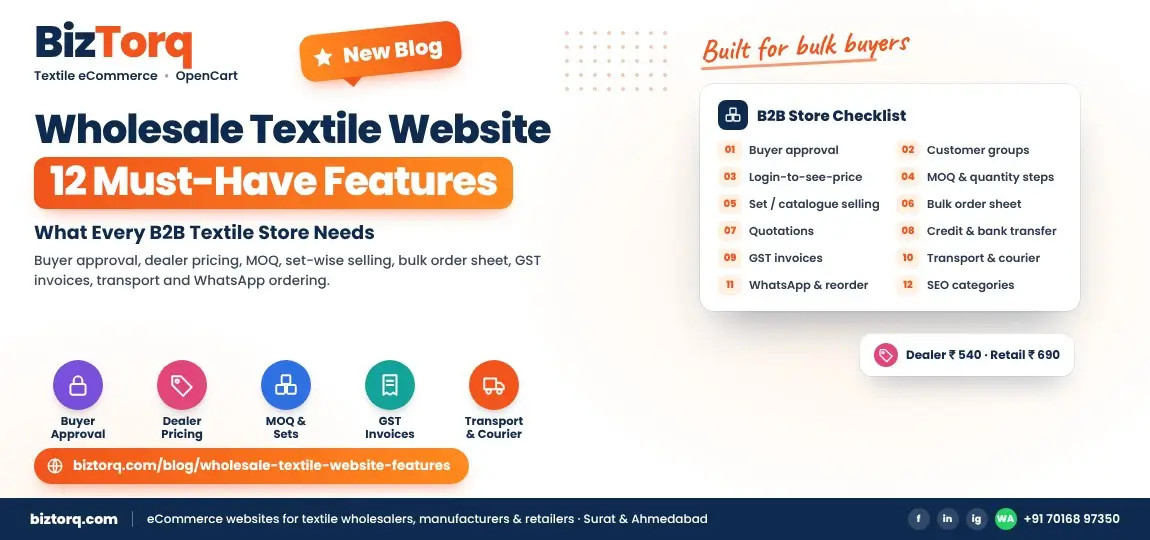
| Feature group | Must-haves | Skip at launch? |
|---|---|---|
| Access and pricing | Buyer approval, customer groups, login-to-see-price | No |
| Ordering | MOQ, set / catalogue selling, bulk order sheet, quotations | No |
| Payment and paperwork | Credit / bank transfer, GST invoice | Credit can wait |
| Delivery | Transport and courier choice | No |
| Retention | WhatsApp, reorder, order history | Reorder can wait |
| Growth | SEO category pages, product schema | No |
1. Buyer registration with approval
Retailers sign up with shop name, city, GST number and phone. You approve them before they see wholesale rates. This keeps your rate list away from competitors and walk-in consumers.
2. Customer groups and buyer-wise pricing
Dealers, retailers and resellers each see their own price on the same product. In OpenCart this is built on customer groups, so one catalogue serves every price tier without duplicate products.
3. Login-to-see-price
Guests see your designs but not your rates, with a "login for wholesale price" button. It turns casual browsers into registered leads you can follow up.
4. MOQ and quantity steps
Set a minimum per product ("min 4 pieces"), per catalogue ("full set only") or per order value ("minimum ₹15,000"). Quantity steps stop a buyer ordering 7 pieces of a design that is sold in packs of 4.
5. Set-wise and catalogue-wise selling
Surat sarees, kurtis and dress materials are usually sold as a catalogue of 6, 8 or 12 designs. The store should sell the full set as one item, show every design inside it, and allow single-piece sales only where you choose.
6. Bulk order sheet
A retailer restocking 30 designs shouldn't have to open 30 pages. A grid with design number, colour and quantity lets them order on one screen, the way they already order on paper.
7. Quotation and enquiry workflow
For large or custom orders, the buyer requests a quote, you reply with a price, and the accepted quote becomes an order. Nothing gets lost in a WhatsApp scroll.
8. Credit, bank transfer and gateway payments
Regular buyers pay on account or by NEFT / RTGS; new buyers pay upfront by UPI or card. Show each option only to the right customer group.
9. GST invoices
Capture the buyer's GSTIN at checkout and print it on the invoice with HSN codes and the correct tax split. B2B buyers need this to claim input tax credit.
10. Transport and courier options
Many retailers book their own transport from Surat or Ahmedabad. Let them pick their transporter or a courier, and add the LR or tracking number to the order.
11. WhatsApp ordering and order history
A WhatsApp button on every product sends the design number to your sales team. Logged-in buyers see their past orders and reorder in one click.
12. SEO-ready categories and product schema
Category pages named the way buyers search ("Wholesale Cotton Kurtis"), clean URLs, and product schema with price and stock help both Google and AI tools show your products.
How these features map to BizTorq packages
Features 1 to 7 and 11 come in the B2B Wholesale Store package (from ₹75,000). Payment gateway, courier integration and a retail store alongside wholesale come in Full Commerce (from ₹1,45,000). Credit limits and Tally exports are custom modules. Details are on the Wholesale B2B and OpenCart B2B pages.
New to selling online? Start with How to Take Your Surat Textile Business Online.
Frequently asked questions
Can one website serve wholesale and retail buyers?
Yes. Retail visitors see retail prices and pay online; approved wholesale buyers log in and see dealer rates with MOQ. OpenCart's customer groups or multi-store handle both from one admin panel.
What MOQ should I set?
Use the MOQ you already accept in your shop. Online buyers expect the same rules, just written clearly on every product.
Do I need all 12 features at launch?
No. Launch with approval, pricing, MOQ, set selling, bulk ordering and WhatsApp. Add credit, quotations and reorder once buyers start ordering.
Is OpenCart good for B2B textile stores?
Yes, for most Indian wholesalers. It has customer groups built in, no monthly platform fee and full control of the code, so features like set selling can be added cleanly.
See it working
Open the demo store as a wholesale buyer, then tell us your catalogue size for a fixed quote.
Sources: BizTorq project experience and BizTorq pricing.